

AIGC Task Management
Last updated: 2025-12-25 16:41:41Download PDF
Scenarios
After you initiate an AIGC task through the console or through calling the API, the information about the task you initiate can be viewed and managed in AIGC Task Management.
Viewing a Generation Task
1. The AIGC Task List includes two separate lists: "Image Generation" and "Video Generation".
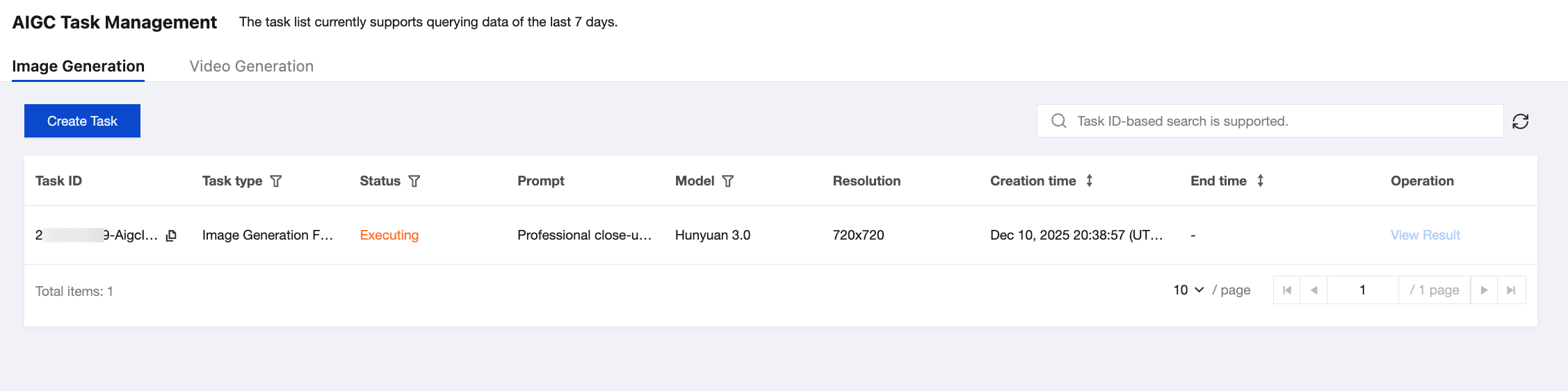
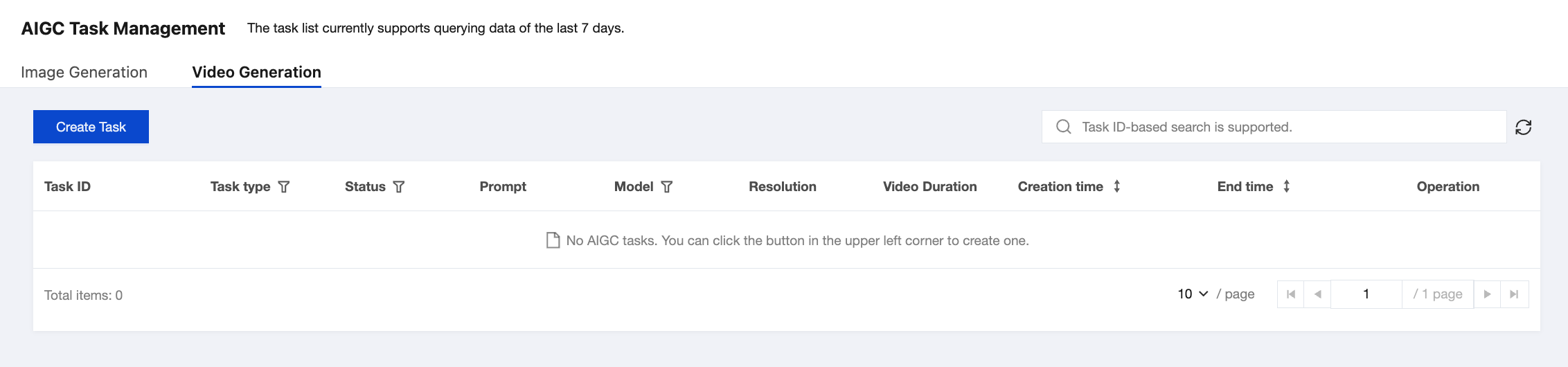
See the following table for descriptions of the list fields:
Column Name | Description |
Task ID | ID of the initiated task. |
Task Type | Task type corresponding to the task ID. Specifically, Image generation: includes text-to-image generation and image-to-image generation. Video generation: includes text-to-video generation and image-to-video generation. |
Task Status | Includes: Waiting: The task is in the queue waiting to be processed. Executing: The task has entered the execution phase. Successful: The task execution has been completed. You can view the task result. Failed: The task execution failed, and the possible cause is timeout. |
Prompt | Prompt information passed in when the request is sent. |
Model | Requested model parameters. |
Resolution | Actual resolution of the generated video. |
Video Duration | Duration of the generated video (this field is not available in the image task list). |
Creation Time | Time point when the task is initiated. |
End Time | Time point when the task ends. |
Operation | Results of the successfully created tasks can be viewed or downloaded on the result viewing page. |
2. Click View Result to view more task information.
